
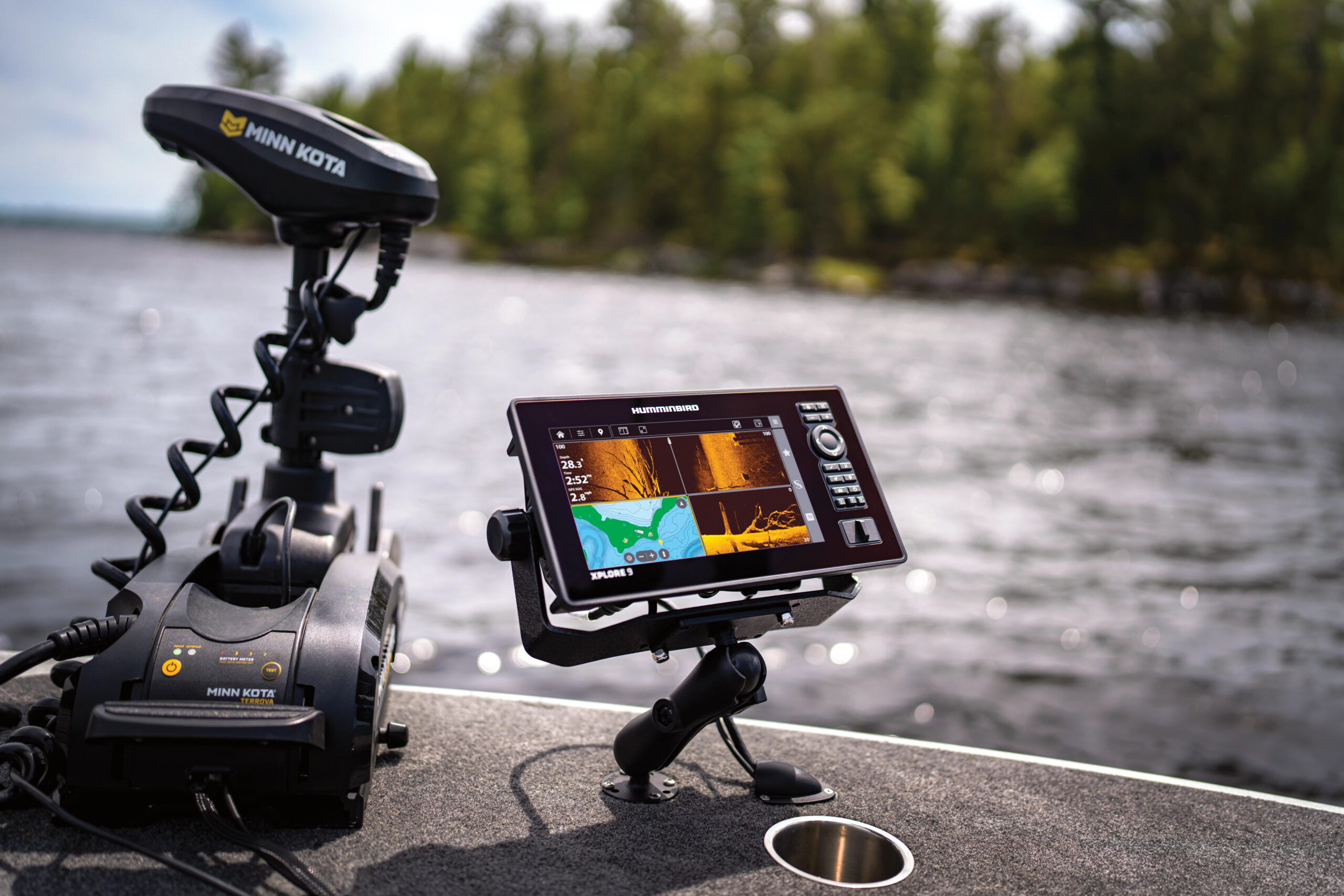
Last year, Humminbird unveiled its latest creation, the Xplore. This graph boasts many of the same features as their premium model, the Apex, but for a fraction of the price. One of my friends even went as far as to label the Xplore the best bang for your buck on the market. So, I had to see for myself. I reached out to Humminbird, and they sent me one of these units to test. I mounted it on my kayak and went fishing. Here’s what I learned.
Humminbird Xplore Overview
Specs
Size: 9 inch (10- and 12-inch versions also available)
Price: $1499.99 (9-inch with transducer)
Transducer: XM 14 HW CMSI T
Length: 11.69 inches
Width: 3.3 inches
Height: 6.26 inches
Weight: 4 pounds, 4.48 ounces
Pros
Will network with other Humminbird graphs, like Helix and Apex
Bright screen with next to no glare
Can connect to several older transducers
Can be bought with or without a transducer
Can control Minn Kota trolling motor and shallow water anchors
Three year warranty
Cons
No screens larger than 12 inches
The Xplore is loaded down with all sorts of tech. For starters, you can order this unit with or without a transducer. If you opt for the transducer, you’ll get side imaging and down imaging. The only reason not to get the transducer would be if you plan to pair the Xplore with Humminbird's Mega Live 2 or Mega 360, which is Humminbird's latest iteration of forward-facing and Live Sonar.
The Xplore also has traditional sonar and can work with the graph to create custom, detailed maps using AutoChart Live. This allows you to idle around an area, while the standard transducer relays information back to the head unit to create custom maps. This is great for lakes, rivers, and ponds that don’t have detailed information. But you’ll find most fisheries around the country have maps available on the included LakeMaster/CoastMaster Map Card. All of this comes together to be revealed on an HD touch screen that is as intuitive to use as an iPhone. There's also a separate keypad to the right of the screen to control the unit. The Xplore is available in 9-, 10-, or 12-inch versions.
 On the Water Performance
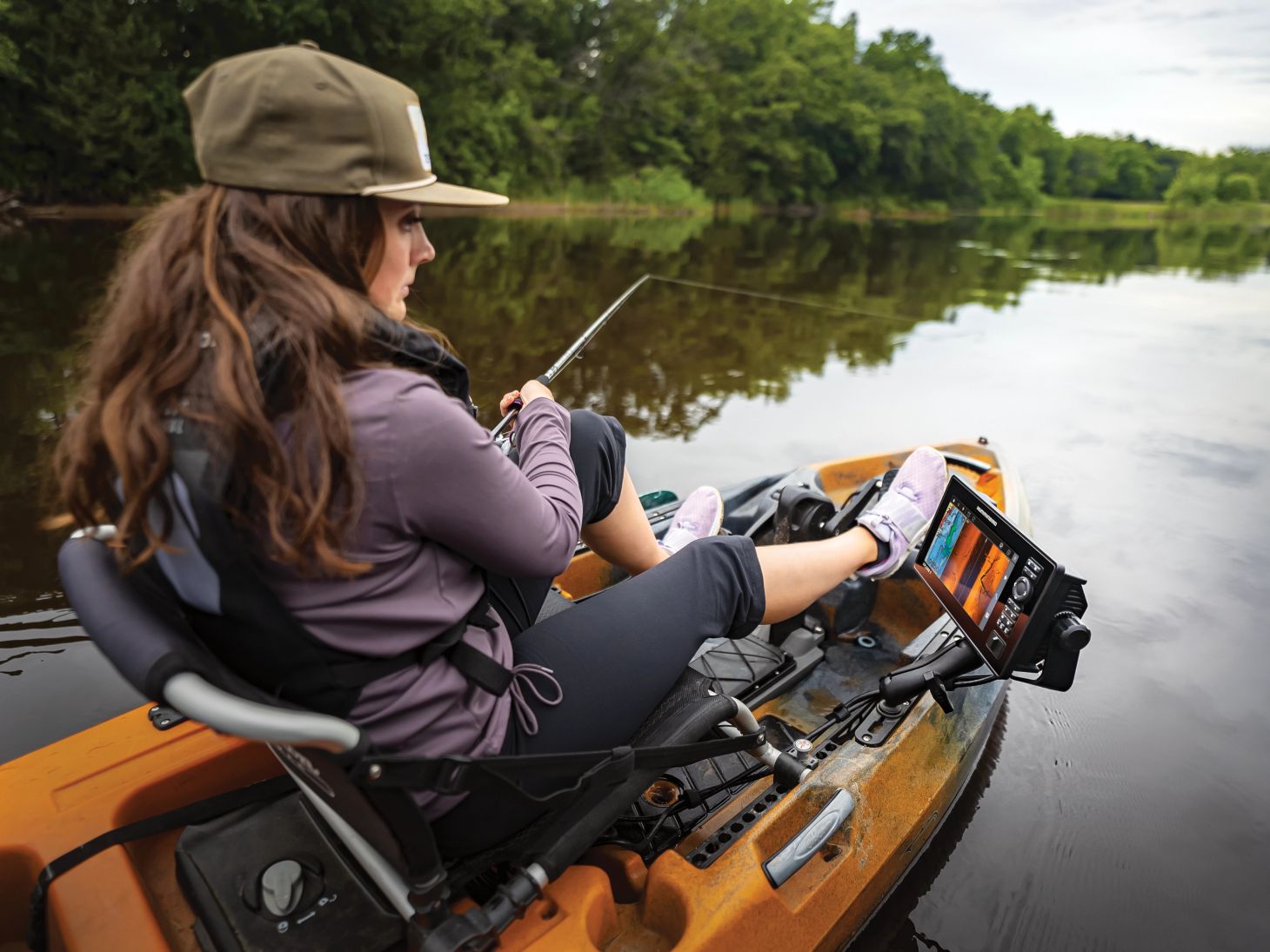
I mounted the Xplore on my Old Town 120 PDL PRO kayak. The installation process was smooth and simple, with the most difficult part being running the wires to the battery. To test the graph, I took my kayak to a local lake and pedaled out to 35 feet of water around a bridge. I immediately found baitfish and structure, all of which showed up in great detail. Later in the day, I trolled back to a shallow flat that normally doesn't appear on my graphs. After catching a few fish off of it, I turned on the AutoChart Live function and began to troll back and forth to create a map. After about 10 minutes, I had a detailed map of the area in 1-foot intervals, with color-coded topo lines.
Navigating the different screens on the Xplore is extremely easy. Some graphs are overly complicated, with more buttons and options than needed. With the Xplore, you have all the main features on the screen, like contrast and zoom adjustments, and the rest of the more advanced adjustments are only a click or two away.
The processor responded instantly as I moved around from one screen to another. And there was far less glare on this screen than I was used to with other screens, making it easier to read in all lighting conditions. I like the Cross Touch feature of this unit, which lets me use either the touchscreen or a separate keypad. The built-in mapping is fantastic, which is no surprise as Lake Master has long been hailed by many as having the best topography in the business.
For $1,500, it proved to be a fantastic 9-inch option. I’m considering buying the Mega Live 2 transducer and another bracket for it to go on my bass boat so that I can move the head unit back and forth between the big boat and the little boat. The Live 2 transducer must be purchased separately, but it lets you see a live image of what's in front of or under the boat. We're seeing more and more of forward-facing sonar technology on big boats and kayaks alike. You'll need to carefully consider whether or not it would be worth the upgrade for your fishing needs, but this is the kind of thinking that I think the Xplore is perfect for—those looking to stretch their dollar as far as they can without compromising on quality.

THE 1871 CLUB